
A possible business
A focused utility suite for developers
Your developer utilities, together under one compact name.
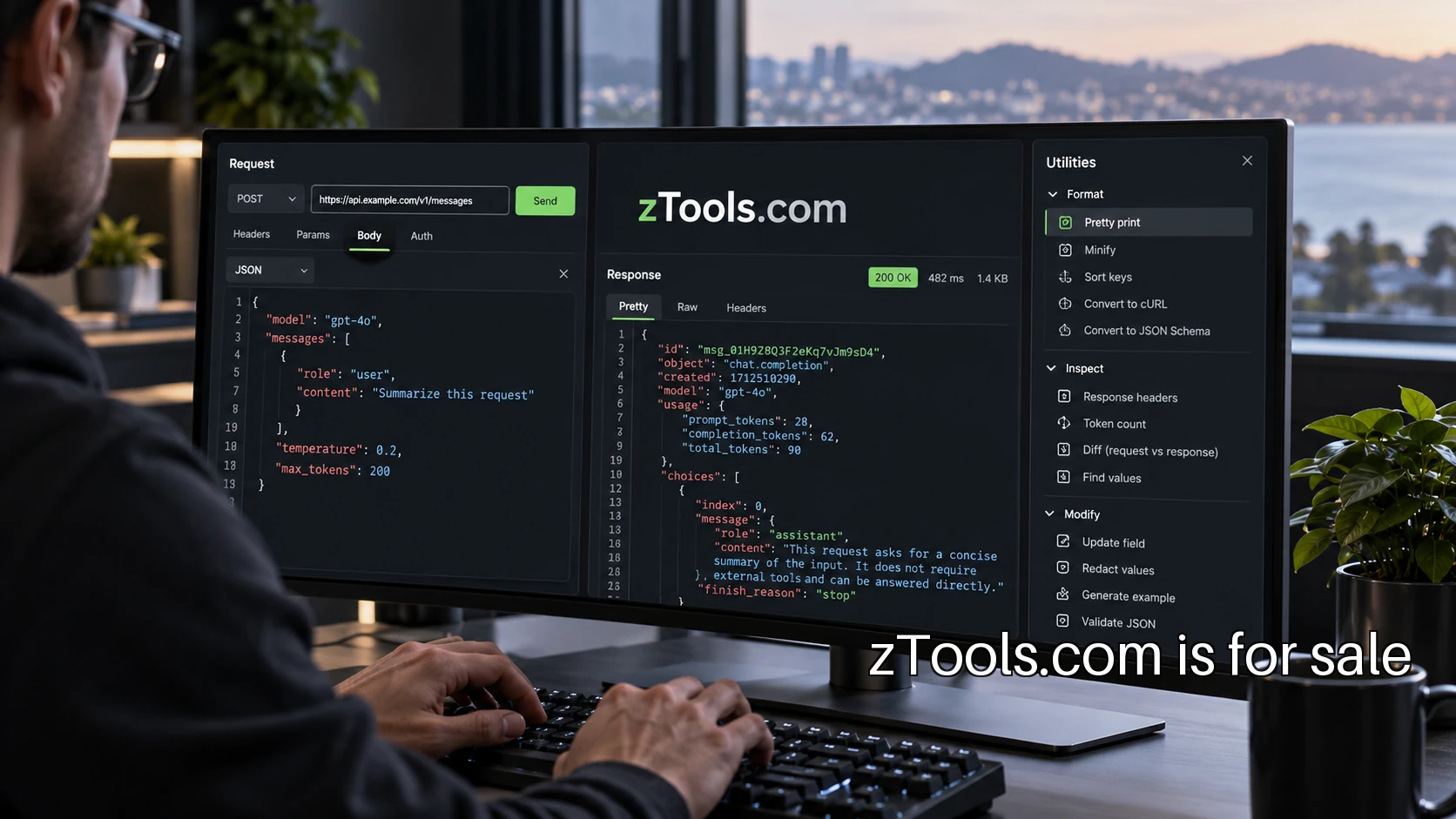
Start with the request in front of the developer
A focused developer suite is a useful possible direction for zTools.com: a small collection built around inspecting and understanding web requests. The customer is an independent developer or a small engineering team switching between an application, a terminal and several quick browser utilities. The first offer should shorten a recognizable debugging task rather than compete with every tool that developer already uses.
The scenario below is illustrative. Imagine a developer investigating an event that reached an application at the wrong time. They have a JSON payload, two timestamps and a log entry. A connected set of tools could make the payload readable, convert the timestamps into the same timezone and compare the relevant fields. Each utility serves the same investigation. The suite is organized around that investigation.
Choose a connected first release
Begin with three tools that accept related input. A JSON inspector can format a payload and highlight a parse error. A timestamp helper can show the same instant in clear formats with the timezone visible. A comparison view can show which fields differ between two sample events. A person moving through that sequence should not have to learn a different interface at every step.
The MDN JSON reference is a useful starting point for the actual parsing and serialization behavior. The product still needs its own tests for malformed input, large values and error messages. A formatter that silently changes a value can be more frustrating than a visibly broken one. Preserve the original input and make any transformation explicit.
Write down what the first release excludes. It might not receive live webhooks, store customer payloads or manage production secrets. Those exclusions keep the first build testable. A hosted request receiver is a different operational commitment from formatting text inside a browser, so it belongs in a later decision rather than slipping into the same launch checklist.
Make the example useful enough to repeat
A good demonstration uses a synthetic event that has a real debugging shape. Include an event type, an identifier, a timestamp and a nested object. Show the original text, the formatted view and the one difference that explains a failed comparison. Let someone copy the fixture and reproduce the result without signing into an account.
Then test the rough edges. What happens if the timestamp has no timezone? What does an empty field look like? Can the developer compare arrays without losing their order? A clear answer to those questions does more for the product than adding ten unrelated converters. It also gives documentation a useful structure: task, sample input, expected output and known limits.
Treat sensitive input as a product decision
Developers may paste real payloads into a convenient tool. Decide what is processed locally, what leaves the browser and what is retained before inviting that behavior. Describe the actual implementation plainly. A privacy claim needs evidence from the whole application, including analytics, error reporting and any hosted endpoints.
If the business later offers webhook inspection, signature handling needs separate care. Stripe's webhook troubleshooting guidance, for example, explains provider-specific delivery and signature problems. A general utility should direct users to their provider's current rules rather than presenting one verification recipe as universal. The product can make the evidence easier to inspect while keeping authentication and production handling properly scoped.
Find the first users through working examples
Distribution can begin with a short technical walkthrough of one debugging problem. Publish a synthetic fixture, explain what changed and link directly to the relevant utility. A small open repository of examples gives developers something to inspect and discuss. The goal is a useful answer at the moment of a task, followed by a clear route back to the suite.
Ask early users to show the surrounding workflow. A request formatter may be used once, while a comparison step happens every afternoon. Watch where they copy results, which details they check and which mistakes cause them to restart. That evidence helps decide whether a team workspace, saved fixtures or shareable sessions would be worth paying for.
Charge for a recurring team need
Basic single-use utilities can remain accessible while a paid offer serves a different job: a shared fixture library, reviewed team examples or saved comparison workflows. Choose the paid boundary after observing recurring work. A compulsory account on the first formatting task would add friction before the product has demonstrated its value.
Operating the suite also means maintaining dependencies, testing browser behavior and answering reports of incorrect output. Assign ownership for each utility and keep a small regression set. Measure successful task completion and repeat use without collecting the contents of pasted payloads. The maintenance work should be manageable enough that every shipped tool can stay dependable.
zTools fits this direction as a compact suite identity, with precise utility names underneath it. The immediate next step is to speak with five developers about one repeated debugging task and prototype the most frequent one. If this is the business you want to pursue, use the Discuss Purchase page to describe your plans for acquiring zTools.com. PremiumBrands can also help pursue a different name outside the collection.
Discuss zTools.com
Describe the software business you have in mind, or ask PremiumBrands for help pursuing another name.
Discuss Purchase